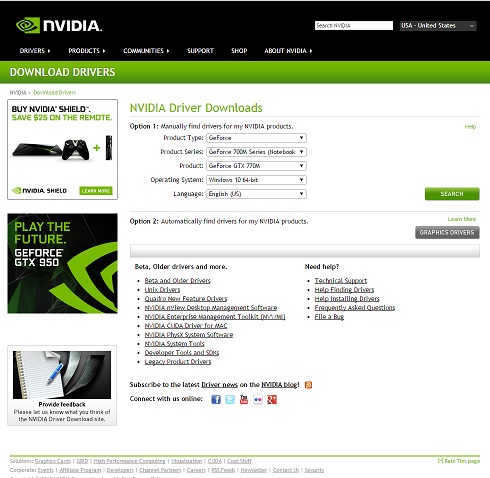
1. Go to http://www.nvidia.com/Download/
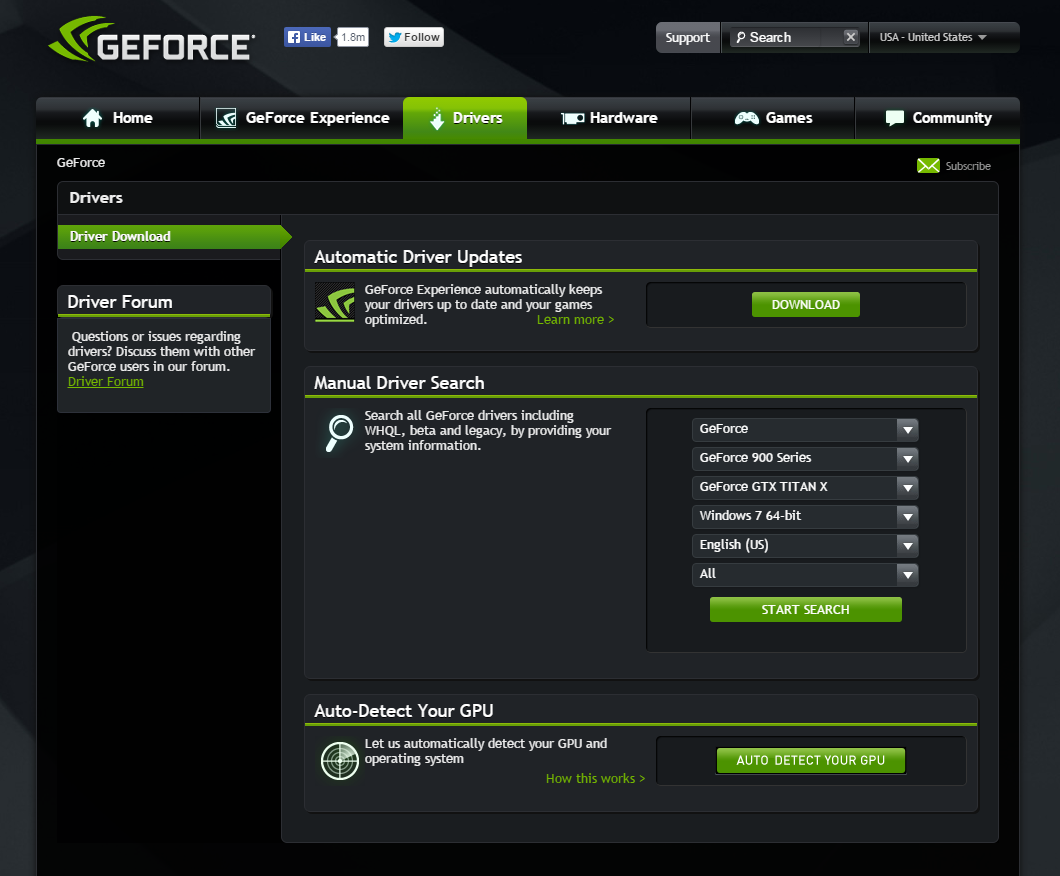
2. Option 1 - Manual Driver Search: Select the specification of your graphics card and operating system.Option 2 - Automatic Driver Updates: Atomatically find drivers for your NVIDIA products.
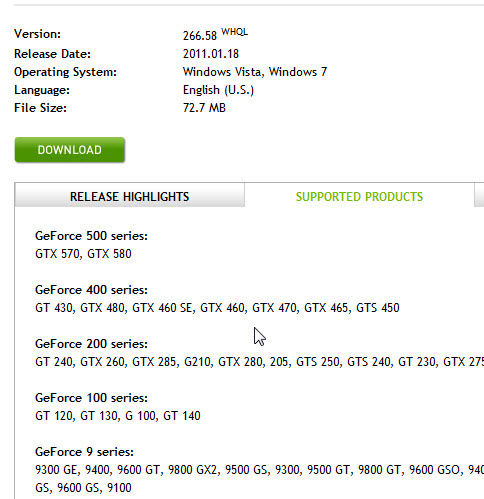
3. Before proceeding with the installation, verify the driver you downloaded supports your graphics card.
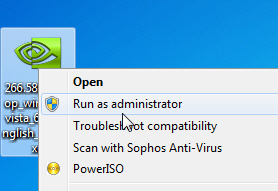
4. After you download, right-click on the file with your mouse and select "Run as administrator" as shown below.
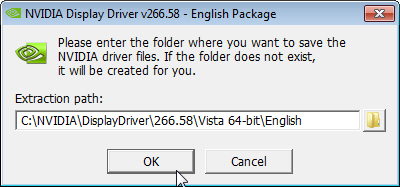
5. Once you have launched the NVIDIA display driver installation file, your first prompt will ask you for a location to save the NVIDIA driver files to. These files are not needed after the driver is installed. You may leave the default location path and select OK to proceed.
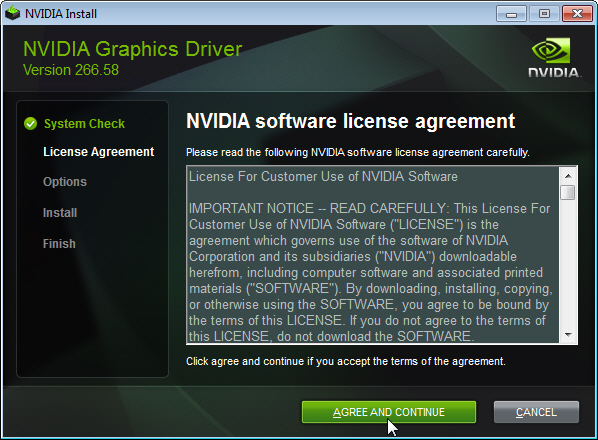
6. You will be prompted to accept the NVIDIA software license agreement. Read the contents and then if you agree, click "AGREE AND CONTINUE" to proceed.
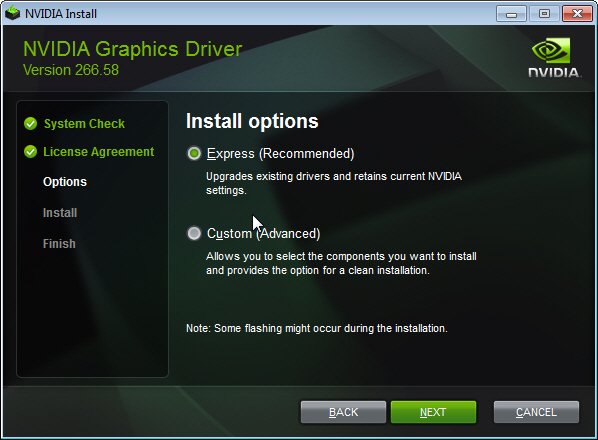
7. If you agreed to the license agreement, you will be presented with the installer options below. Most users will want to select Express (Recommended). For advanced users you may select Custom (Advanced) to view additional installer options.
8. The installer will copy all selected graphic components to your computer. After the installer has completed click "RESTART NOW" to restart your computer. Once you have rebooted Windows, your installation has completed.
